
Why a Healthy, Reliable Website is a Top Business Priority

Sam McKinney
Founder & Lead Strategist • December 22, 2025
Overview
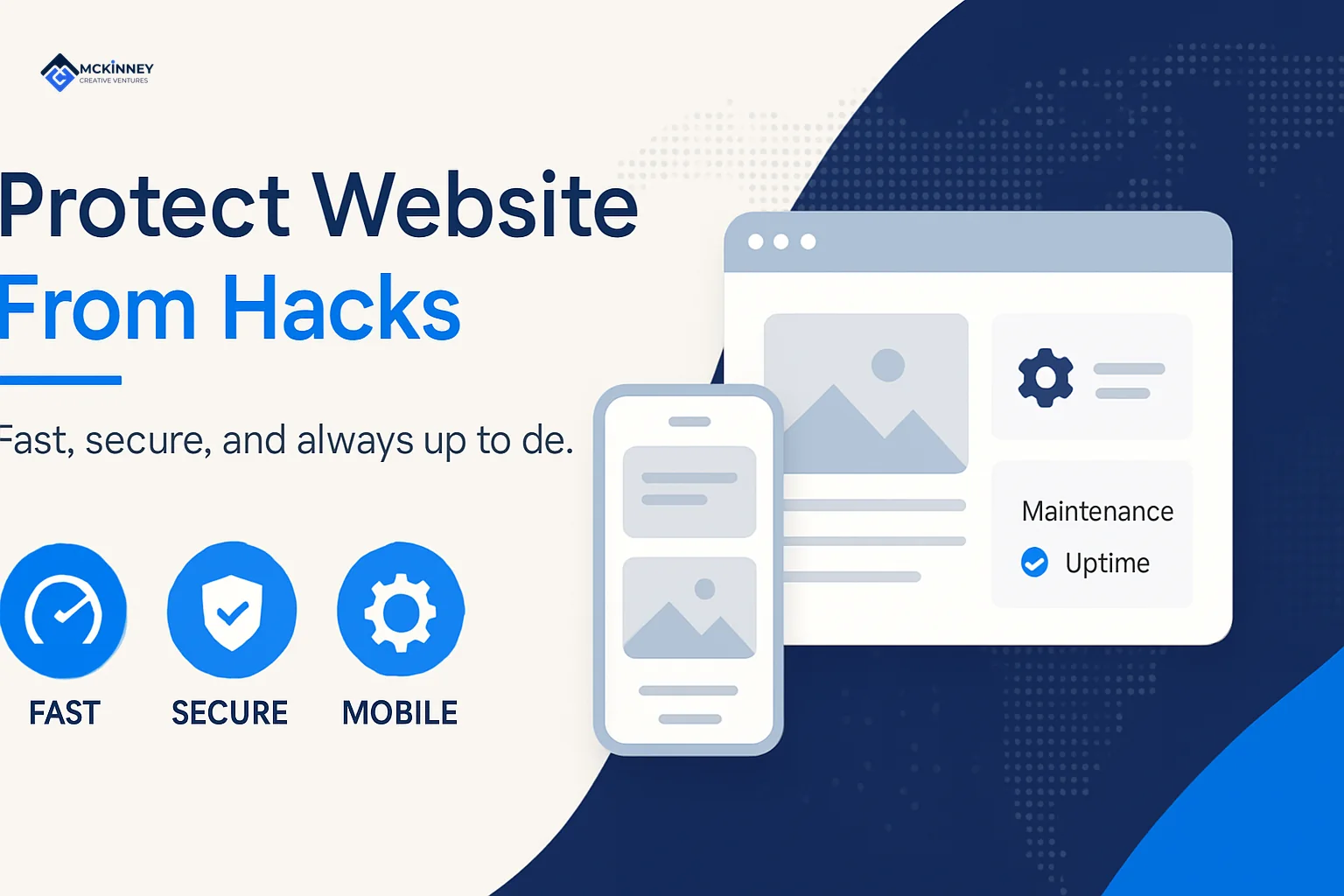
Your website is more than a digital brochure. It is your storefront, your sales team, and often the first impression potential customers have of your business.
Your website is more than a digital brochure. It is your storefront, your sales team, and often the first impression potential customers have of your business.
When your site goes down, it is not just a technical problem. It affects sales, your reputation, and your ability to show up in search results. Downtime, broken pages, and error messages all send a message to your customers about how consistent and reliable your business is.
To keep your website dependable and ready to support your marketing, it helps to build a few core habits into your normal operations:
- Keep all software updated, including your WordPress core, plugins, and themes.
- Use strong, unique passwords of at least 20 mixed characters.
- Enable two-factor authentication (2FA) for your key accounts.
- Install SSL/HTTPS to protect data in transit and build visitor trust.
- Set up automatic backups so you always have a recent restore point.
- Limit user access by granting only necessary permissions.
Most website problems are preventable with basic, consistent maintenance. You do not need to be a technical expert. You just need to understand the essentials and treat them as part of how you run your business.
I am Sam McKinney. For more than 15 years I have helped local service businesses build and maintain their digital presence. One pattern has been clear. The cost of prevention is always lower than the cost of repair, both in dollars and in customer trust.
The Risks to Your Reputation and Customer Trust
Local businesses in the East Metro, St. Croix Valley, and Greater Twin Cities Metro run on reputation and trust. When your website fails visitors, that trust can erode quickly.
Imagine a potential client in Woodbury who finds you on Google, clicks through, and lands on a site that is broken, confusing, or clearly neglected. Forms do not work. Links send them in circles. Content looks outdated. That experience does not just cost you a single inquiry. It plants a doubt about how your business operates behind the scenes.
From there, it can snowball. People share their frustrations with others. Online reviews can reflect the disconnect between your promises and their digital experience. Over time, this undermines referrals, repeat business, and your positioning as a dependable local provider.
The Impact on Your SEO and Online Visibility
For businesses that rely on online visibility, website health has a direct impact on SEO.
Search engines want to send users to sites that are fast, trustworthy, and consistently available. If your site has frequent issues or is flagged as unsafe, your rankings can drop. In more serious cases, your site can be removed from results until the issues are resolved.
Google and other search engines also look at technical details such as SSL/HTTPS, mobile friendliness, and Core Web Vitals. Problems in these areas can push your pages down in search, which makes it harder for new customers in places like Woodbury, Cottage Grove, or Stillwater to find you.
Serious performance problems and heavy unwanted traffic can also interfere with search engine bots crawling your site. When crawlers cannot reliably access your pages, your search visibility can suffer.
The Financial and Operational Consequences
Beyond reputation and search, website problems carry real financial and operational costs.
If your site is down or not functioning correctly, you can lose revenue. This is most obvious for e-commerce sites, but it also affects service businesses that rely on quote requests, appointment forms, and phone calls driven by web traffic.
Recovery itself also costs money. That might include specialist help, rebuilding damaged parts of your site, and dealing with any issues related to customer data. Those costs add up quickly and often exceed what it would have taken to keep things maintained in the first place.
There is also the operational impact. When a major website problem hits, leadership and staff are pulled away from daily work to deal with it. Time that should be spent serving clients in Hudson, River Falls, or New Richmond ends up tied up in troubleshooting, coordinating vendors, and communicating with frustrated customers.
From a fractional CMO perspective, this is where systems and routine matter. When you treat website care as a recurring process instead of a one time project, you protect your marketing investment and free your team to focus on long term growth instead of emergencies.
The Essential Checklist to Protect Your Website from Hacks
Proactive, routine maintenance is the most practical way to reduce the risk of website problems. As a local outsourced marketing team, we look at website health the same way we look at any other part of your marketing system. It works best when there is a clear plan, simple processes, and consistent follow through.
We use a layered approach. No single action is enough on its own, but together they greatly reduce problems and keep your site reliable over time.
Keep All Your Software Updated
One of the most important steps you can take to protect your website is to keep all software current. This includes your Content Management System (CMS) core, such as WordPress, along with all plugins and themes.
In practice, most of the serious problems we see come from outdated themes or plugins. Once a weakness becomes public, automated tools begin looking for sites that have not updated yet. When you stay current, you close those gaps before they become an issue.
For many sites, it makes sense to automate updates. For more complex sites with custom functionality, we usually use a staging site. That lets us test updates before they go live so you avoid surprises on your public site.
This is the kind of routine we put in place for clients in Minneapolis, St. Paul, or Maple Grove who rely on their website every day. It becomes part of normal operations, not a one time clean up.
Use Strong, Unique Passwords for Everything
We all know we should use strong passwords, but many businesses still rely on simple, shared logins.
Brute force tools can try thousands of combinations per second. If your passwords are short or reused, it is only a matter of time before one is guessed or exposed in another breach.
A strong password should be at least 20 characters long with a mix of uppercase and lowercase letters, numbers, and symbols. A password manager makes this realistic. It can generate and store unique passwords for every account, including your website admin, hosting, and email.
For teams, we help put a simple password policy in place. The goal is not extra red tape. It is to make sure one weak login does not put the rest of your systems at risk.
Enable Two-Factor Authentication (2FA)
Even with strong passwords, it is smart to add another layer of protection for key accounts. That is where Two-Factor Authentication (2FA) comes in.
2FA requires a second step when you log in, usually a code from an app on your phone or a text message. It adds a small bit of friction for you, but makes it much harder for anyone else to gain access.
We recommend 2FA for all administrative accounts on your website and other critical services. It is a simple change that can prevent a small mistake, like a reused password, from turning into a serious problem.
This is especially important for businesses in Lake Elmo, White Bear Lake, or Landfall that have multiple people logging into shared systems.
Secure Your Site with SSL/HTTPS
An SSL (Secure Sockets Layer) certificate encrypts the data transferred between your website and your visitors.
When your site uses SSL, visitors see a padlock icon in the browser and your URL starts with "HTTPS" instead of "HTTP." This signals that information such as contact form submissions and login details are being handled more safely.
Beyond that, SSL/HTTPS supports visitor trust and can help with SEO. Google gives preference to secure sites, and modern browsers often display "Not Secure" warnings for sites without SSL. Those warnings are enough to make many potential customers click away.
Installing and maintaining SSL is a straightforward step that supports both your marketing and your customer relationships.
Advanced Tactics for Long-Term Website Resilience
Once the basics are in place, you can strengthen your website with a few advanced practices. These are the kinds of systems we put in place when we are thinking like a fractional CMO, focused on long term stability, not quick fixes.
These steps help you run a more resilient online presence for your business in the East Metro and St. Croix Valley.
Manage User Access and Permissions
Any website with more than one person involved needs a plan for user roles and access.
We follow the principle of least privilege. Each person gets only the level of access they need to do their job. A content editor does not need full administrative control. A contractor updating one section of the site should not have authority to change your entire setup.
Admin roles carry extra risk because a single compromised account can lead to broad changes. We limit the number of administrators and review accounts regularly. Old accounts from past employees or vendors are removed.
This is not just a technical setting. It is an operational discipline. Clear roles and permissions support cleaner workflows and reduce avoidable problems.
If you run an online store or a complex site, resources like a guide to user permissions can help you define the right structure. Putting the right roles in place up front saves time and frustration later.
Implement a Reliable Backup and Recovery Plan
Even with good systems in place, issues can still arise. That is why a solid backup and recovery plan is essential.
We set up regular, automated backups of the entire website, including files and database, and store them off the main server. This protects your data if something goes wrong with the hosting environment.
The real test of a backup is how quickly you can restore it. We recommend testing the restore process from time to time so you know what to expect and how long it will take.
For businesses in Cottage Grove, Oakdale, or Stillwater, this kind of plan can be the difference between a short interruption and a week of disruption. It is a relatively inexpensive way to keep your marketing engine running, even when something unexpected happens.
An Emergency Plan: What to Do If Your Site is Compromised
Even with good habits and systems in place, things can still go wrong. Having a calm, practical plan for website emergencies can reduce stress and shorten your recovery time.
This is not about worst case fear. It is about knowing who will do what, and in what order, so you are not scrambling in the moment.
How to Tell If Your Website Has Been Hacked
Catching problems early makes them easier to resolve. Warning signs often include:
- Strange redirects, where visitors are sent to unfamiliar or unwanted websites.
- Content you did not create, such as new pages, altered text, or unexpected ads.
- Warnings from Google Search Console about harmful or deceptive content.
- A sudden slowdown in performance without a clear reason.
- Customer complaints about odd behavior, error messages, or warnings.
- New admin accounts you did not create.
- Unusual spikes in server usage reported by your hosting provider.
If you see one or more of these signs, it is time to act.
Immediate Steps to Take
When you suspect your site has been hacked, a few early steps can help contain the issue:
- Contact your hosting provider. Let them know what you are seeing. In many cases they can help isolate the problem and may have tools to assist with cleanup.
- Isolate the website. If you can, take the site offline or switch it to a simple maintenance page. This limits the impact on visitors while you sort things out.
- Scan for malware. Use a reputable scanner to identify suspicious files and code. Your host may provide this, or you can use a third party tool.
- Change all passwords. Update passwords for your hosting control panel, database, FTP/SFTP, CMS user accounts, and any related services. Assume everything may have been exposed.
- Back up the current state. Before you start cleaning, take a full backup of the site in its current form. This gives you a record to review later and keeps all files available for analysis.
The Road to Recovery
After the urgent steps, you can move into a more methodical recovery.
- Identify and remove malicious files. Review the scan results and look for injected scripts, unfamiliar files, or unexpected changes. Compare current files with clean backups or original software to spot differences. Remove or replace anything that looks compromised.
- Restore from a clean backup if needed. If the problems are widespread, it is often faster and safer to restore from a known good backup taken before the incident. Test the restored site in a staging area first whenever possible.
- Request a review from Google. If Google flagged your site or displayed warnings, clean up all issues, then use Google Search Console to request a review. This helps your site return to normal search visibility.
- Learn from the incident. After things are stable, take time to review what happened. Where was the weak spot? What could have caught it earlier? Use those insights to update your processes so your site and your marketing systems are stronger going forward.
For businesses in Afton, Bayport, or Lakeland, having this kind of plan in place means you are not starting from scratch in the middle of a crisis. You have a clear checklist and a team that knows their role.
Extended Recap & Conclusion
Protecting your website from hacks is not a one time project. It is an ongoing part of how you manage your marketing and your reputation.
For service based businesses in the East Metro, St. Croix Valley, and Greater Twin Cities Metro, your website is a core asset. It is your always on storefront, your main digital handshake, and a frequent starting point for new relationships.
By keeping software updated, using strong passwords and 2FA, maintaining SSL, managing user access, and running consistent backups, you create a stable foundation. That foundation supports your search visibility, your lead generation, and the trust your customers place in you.
From a fractional CMO perspective, the goal is simple. Put clear systems in place, automate what you can, and review key items on a regular schedule. This reduces surprises and lets you and your team focus on serving clients and growing the business.
If you would like help building these kinds of routines into your broader marketing strategy, our web management services are designed to support that ongoing work. For more details, visit More info about our web management services.
If you want a connected marketing system that brings this together for your business, we can help. Book a free strategy call and we will map out a plan built around your goals. No pitch, just a clear next step.
Frequently Asked Questions
What are the most common ways websites get hacked?
From years of working with local businesses, we see a few patterns repeat:
- Outdated software. Old versions of your CMS, themes, or plugins are a frequent problem. When you skip updates, you leave known weaknesses in place.
- Weak or stolen passwords. Simple or reused passwords are easy targets for automated tools, especially if those passwords were exposed in another breach.
- Phishing scams. Deceptive emails or messages can trick team members into sharing login credentials, which gives direct access to accounts.
How often should I back up my website?
Your backup schedule should match how often your site changes.
- For active sites such as e-commerce, membership, or high traffic blogs, daily backups are a smart baseline.
- For more static sites, weekly backups may be enough.
The key is to automate backups, store them off-site, and test your ability to restore. That is how you know your safety net will work when you need it.
This matters just as much for a contractor in Pine Springs as it does for a professional services firm in St. Paul or Minneapolis.
What is the single most important thing I can do to protect my site?
There is no single fix, but if we had to pick a starting point for most local service businesses, it would be:
- Keep your CMS, themes, and plugins updated.
- Use strong, unique passwords and turn on 2FA for key accounts.
From there, think in terms of systems, not one time tasks. The goal is steady risk reduction over time, built into how you manage your marketing.
When your website is treated as a living part of your business, rather than a one time project, it becomes a more reliable asset for your long term growth.
Written by
Sam McKinney
Founder & Lead Strategist, McKinney Creative Ventures
Sam McKinney helps local service businesses across the Twin Cities East Metro and St. Croix Valley grow through connected marketing systems. Websites, SEO, CRM, and AI automation built to work together instead of in isolation.
More about MCVRelated Articles
Local Landing Page Best Practices: Pages That Turn Searchers Into Calls
City and service pages fail when they are the same page wearing different name tags. Here is the architecture, the trust signals, and the technical layer that turn a local landing page into booked work.

Storytelling, Skate Shops, and the Business of Video: Henry Schneider of Open Window Productions
Henry Schneider builds video for East Metro businesses at Open Window Productions and co-owns a North St. Paul skate shop. On mistakes as tuition, why story beats gear, and when authentic beats polished.
Ready to Grow Your Business?
Book a strategy call to discuss how we can implement these systems and strategies to help your business scale.
Book a Strategy Call