What Is an SSL Certificate and Why Does Your Business Need One?

Sam McKinney
Founder & Lead Strategist • January 20, 2026
Overview
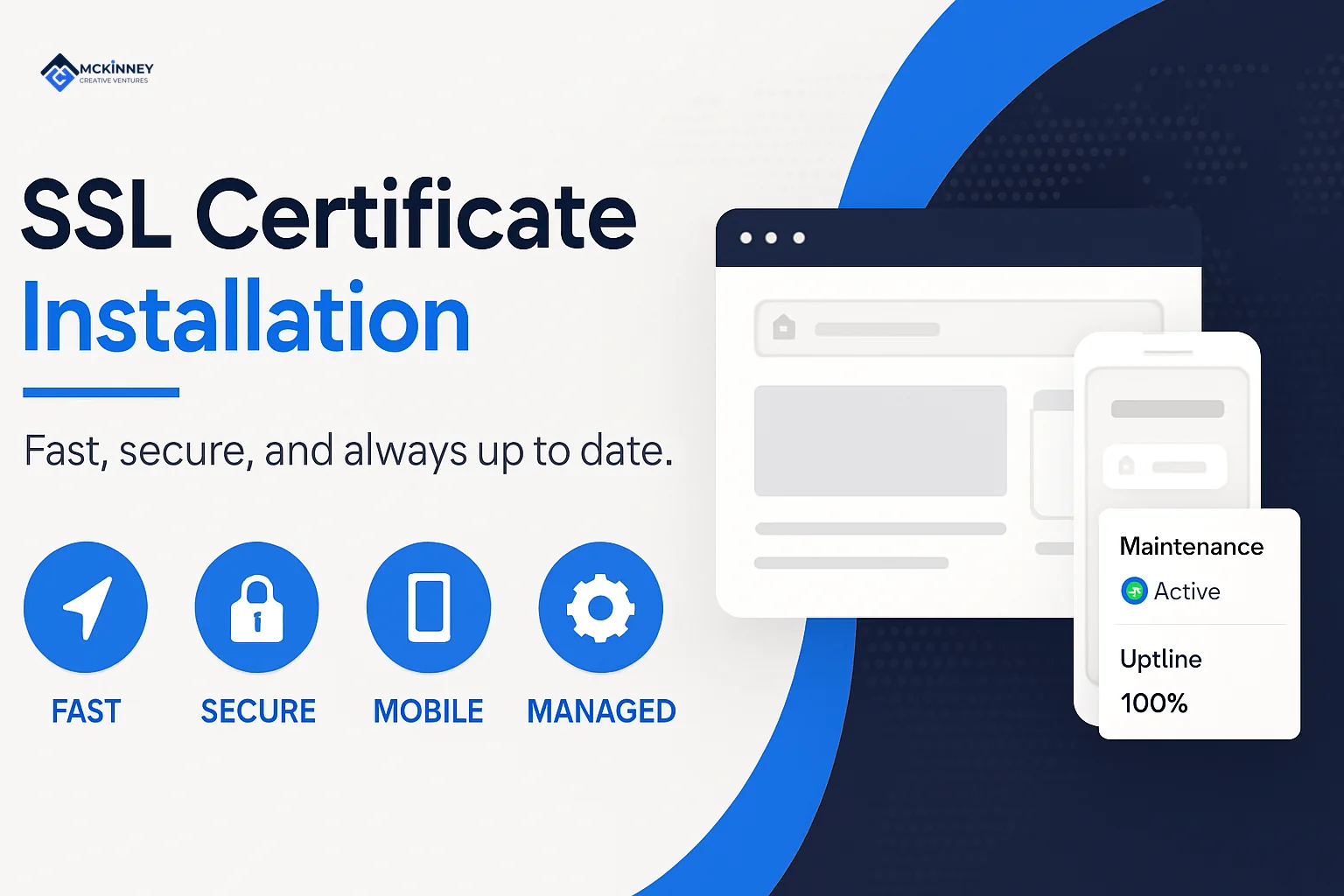
SSL certificate installation is the process of adding a digital certificate to your website that enables an encrypted and verified connection between your visitors and your.
SSL certificate installation is the process of adding a digital certificate to your website that enables an encrypted and verified connection between your visitors and your server. Here's what you need to know:
Quick Answer: Installing an SSL Certificate
- Choose your method: Automated tools (Let's Encrypt/Certbot), hosting control panel (cPanel/Plesk), or manual installation
- Gather requirements: Domain ownership, server access, and certificate files
- Install the certificate: Follow your chosen method's specific steps
- Verify installation: Check for the padlock icon and test with SSL checker tools
- Force HTTPS: Redirect all traffic and fix mixed content warnings
An SSL certificate is a small data file that, once installed on your web server, creates an encrypted and verified connection between your website and your visitors' browsers. It confirms that visitors are really talking to your website and not something pretending to be it.
That confirmation does a few important things for your business. First, it enables the padlock icon and the https:// prefix in the browser address bar, which people have learned to look for over time. Second, it encrypts the information that visitors share with you, like details submitted through a contact form or newsletter signup.
From a marketing perspective, SSL has become a basic requirement, not an extra. When that padlock is missing, visitors hesitate. When it is present and working correctly, they move forward more comfortably with steps like filling out a quote request, scheduling a consultation, or completing an online payment handled by a third party.
Why this matters for local businesses:
For a service business in the East Metro or St. Croix Valley, trust is everything. When a potential customer lands on your site, you have only a few seconds to show that you are established and paying attention to details.
Modern web browsers like Chrome and Firefox now flag sites that do not use HTTPS. That "Not Secure" language is enough to make many visitors click away immediately. If someone is trying to book a roofing estimate in Woodbury or request a cleaning quote in Hudson, they are not going to wrestle with a website that looks unfinished.
This affects more than perception. Google has confirmed that it uses HTTPS as a positive ranking signal. It is not the only factor in your SEO, but it is one of the easier ones to control. If your site has SSL properly installed and a competitor in Stillwater or Lake Elmo does not, you give yourself a small but real advantage in local search results.
It also affects how your brand shows up when people share links. When someone texts or emails your website to a neighbor, that https:// in the link is a quiet cue that your business is operating at a modern standard.
How SSL supports your marketing systems
At McKinney Creative Ventures, we look at SSL as a foundational piece of your marketing infrastructure. A few simple examples:
- If you run Google Ads and send traffic to landing pages without HTTPS, your cost per lead often increases because fewer people complete forms.
- If you are building an email list, some email marketing tools flag non-HTTPS sites and limit what you can do with popups or embedded forms.
- If you use online schedulers, review tools, or client portals, most of those platforms now expect your main site to load over HTTPS.
In other words, SSL certificate installation is not just a technical checkbox. It supports every other system you rely on to bring in leads and keep customers informed.
The good news is that SSL certificate installation is no longer a complex or expensive task. Free options from providers like Let's Encrypt have made this essential feature accessible to every business owner. Many hosting providers we work with offer simple, one-click installation processes. Even if you manage your own server, the process is manageable with the right guidance.
The visible difference is immediate. Your website address changes from http:// to https://. The "Not Secure" warning vanishes, replaced by the reassuring padlock icon. Instantly, your site appears more legitimate and professional to both visitors and search engines.
I am Sam McKinney, and as a fractional marketing partner for dozens of local businesses, I have guided many owners through their SSL certificate installation. We treat it as part of building a durable marketing system, not a one-off task. Whether you are a contractor in Cottage Grove, a professional service firm in St. Paul, or a retail shop in Hudson, your website should match the level of care you bring to your work.
Whether you are using a shared hosting plan or have a dedicated server, this guide will walk you through the process from a practical, business-first perspective. Our goal is to help you install SSL once, set it up to renew automatically, and then move on to higher value marketing work without worrying about it each month.
Before You Begin: Gathering Your Tools and Information
Before we get into the specific steps of SSL certificate installation, let's gather the necessary information and tools. A little preparation now prevents headaches later. Think of it as creating a project plan before you start building.
When we help clients in Woodbury, Stillwater, or Hudson with SSL, this is the same checklist we run through before we touch any settings.
Prerequisites for a smooth installation:
- Domain Name Ownership: You must have administrative control over the domain name you want to update (for example,
yourbusiness.com). This is non-negotiable, as the certificate is tied directly to your domain. If your domain is registered through GoDaddy, Namecheap, or your hosting company, make sure you know how to log in and update DNS records if needed. - Web Server Access: You need a way to access your website's backend. For many of our clients in the Woodbury or Hudson area, this means logging into a hosting control panel like cPanel or Plesk. If you have a more custom setup, you might need SSH (command-line) access. If we manage your web presence, we handle this for you and document the process so it fits into your broader web management plan.
- Certificate Signing Request (CSR): This is a block of text your server generates. It is essentially the formal application for your SSL certificate, containing details like your domain name and company information. We will cover how to generate this later. Many hosting dashboards now generate the CSR for you, which can save time.
- Server Software Identification: The installation steps differ depending on your web server software, such as Apache, Nginx, or IIS. If you are not sure what you are using, your hosting provider can tell you. You can also use free online tools like Wappalyzer or DNSChecker to get a good idea of your server's setup.
- Time and ownership: Set aside focused time to complete the process from start to finish. SSL work often touches DNS, hosting, and your website platform, so it helps to have a single person responsible for seeing it through and confirming that everything looks right afterward.
Having these details ready will make the entire process much more efficient. It also makes renewal far easier because you will already know where everything lives.
Choosing the Right Certificate for Your SSL Certificate Installation
Not all SSL certificates are the same. While they all enable the https:// connection, they differ in the level of identity verification they provide to your visitors. Choosing the right one is a strategic decision that depends on your business goals and how your website fits into your broader marketing system.
You can learn more about the different types of SSL certificates from industry sources.
Here are the main types:
- Domain Validation (DV): This is the most common type and the easiest to get. The Certificate Authority (CA), the organization that issues the certificate, simply verifies that you control the domain. This is the standard for blogs, informational sites, and many local service businesses. Free certificates from Let's Encrypt are DV certificates. For most contractors, home service providers, or professional practices in the Greater Twin Cities Metro, DV is usually the right starting point.
- Organization Validation (OV): An OV certificate takes it a step further. The CA verifies both your domain control and the legal existence of your business by checking official records. This provides a stronger trust signal and is a great choice for businesses in Stillwater or Lake Elmo that handle more sensitive customer information on their own websites or that want an extra layer of visible legitimacy for larger clients.
- Extended Validation (EV): This is the highest level of validation. The CA performs a thorough background check on your organization. While browser visual cues have changed, EV certificates still represent a gold standard for demonstrating legitimacy, often used by financial institutions and large e-commerce platforms. Most local service businesses do not need EV, but if you work with corporate procurement teams or government contracts, it can occasionally be requested.
- Wildcard Certificates: If your business uses multiple subdomains (like
blog.yourbusiness.comandshop.yourbusiness.com), a wildcard certificate is a smart, efficient choice. It allows you to apply thehttps://standard to your main domain and all its subdomains with a single certificate, simplifying management. This is especially helpful if you run separate sites for different service lines or locations. - Multi-Domain (SAN) Certificates: Also known as Subject Alternative Name (SAN) certificates, these let you cover several different domain names (for example,
yourbusiness.com,your-other-brand.net) with one certificate. This is a cost-effective strategy if you manage multiple websites for your business or hold legacy domains that still receive traffic.
From a fractional CMO perspective, the key is to match the certificate type to your business model and growth plans. There is no benefit to paying for complexity you will not use, but there is value in planning for where your web presence is headed over the next few years.
Free vs. Commercial Certificates: What's the Difference for Your Business?
The decision between a free or paid certificate depends on your business needs and budget. For many small businesses in the East Metro and St. Croix Valley, a free certificate is a perfectly sound and strategic choice.
Here is a quick comparison to help you decide:
| Feature | Free Certificates (e.g., Let's Encrypt) | Commercial Certificates (Paid) |
|---|---|---|
| Validation Level | Domain Validation (DV) only. | DV, Organization Validation (OV), and Extended Validation (EV) available. |
| Best For | Blogs, portfolios, local service sites, and businesses starting out. | E-commerce, sites collecting sensitive data, and businesses wanting to display a higher level of verified trust. |
| Support | Community-based support through forums and documentation. No direct support line. | Direct, dedicated support from the Certificate Authority (CA) via phone, email, or chat. |
| Renewal Cycle | Typically requires renewal every 90 days (often automated). | Typically renewed annually or biennially, requiring less frequent action. |
| Warranty | Usually no warranty provided. | Often includes a financial warranty from the issuer related to the certificate's validity. |
For most of our local business clients, a free, auto-renewing Let's Encrypt certificate is the most practical and efficient solution. It meets the core requirements of browsers and search engines without adding unnecessary costs.
Where we sometimes recommend a commercial OV certificate is when:
- Your brand works with larger organizations that ask for documented verification of your company details.
- You operate multiple locations or brand names and want a single provider managing all certificates under one account.
- Your internal team prefers to have direct vendor support for anything related to SSL certificate installation and renewal.
From a systems point of view, the more your SSL setup can be automated and documented, the better. Whether you choose free or paid, we suggest keeping clear records of:
- Where the certificate is issued from
- Who has login access
- How renewals are handled
- Which domains and subdomains are covered
As your marketing partner, we help you weigh these options to find the best fit for your specific needs and long-term growth plans. SSL should support your marketing engine in the background so you can focus on serving customers in places like Maplewood, Eagan, River Falls, and New Richmond without worrying about whether your website address is keeping up.
If you want a connected marketing system that brings this together for your business, we can help. Book a free strategy call and we will map out a plan built around your goals. No pitch, just a clear next step.
Written by
Sam McKinney
Founder & Lead Strategist, McKinney Creative Ventures
Sam McKinney helps local service businesses across the Twin Cities East Metro and St. Croix Valley grow through connected marketing systems. Websites, SEO, CRM, and AI automation built to work together instead of in isolation.
More about MCVRelated Articles
Local Landing Page Best Practices: Pages That Turn Searchers Into Calls
City and service pages fail when they are the same page wearing different name tags. Here is the architecture, the trust signals, and the technical layer that turn a local landing page into booked work.
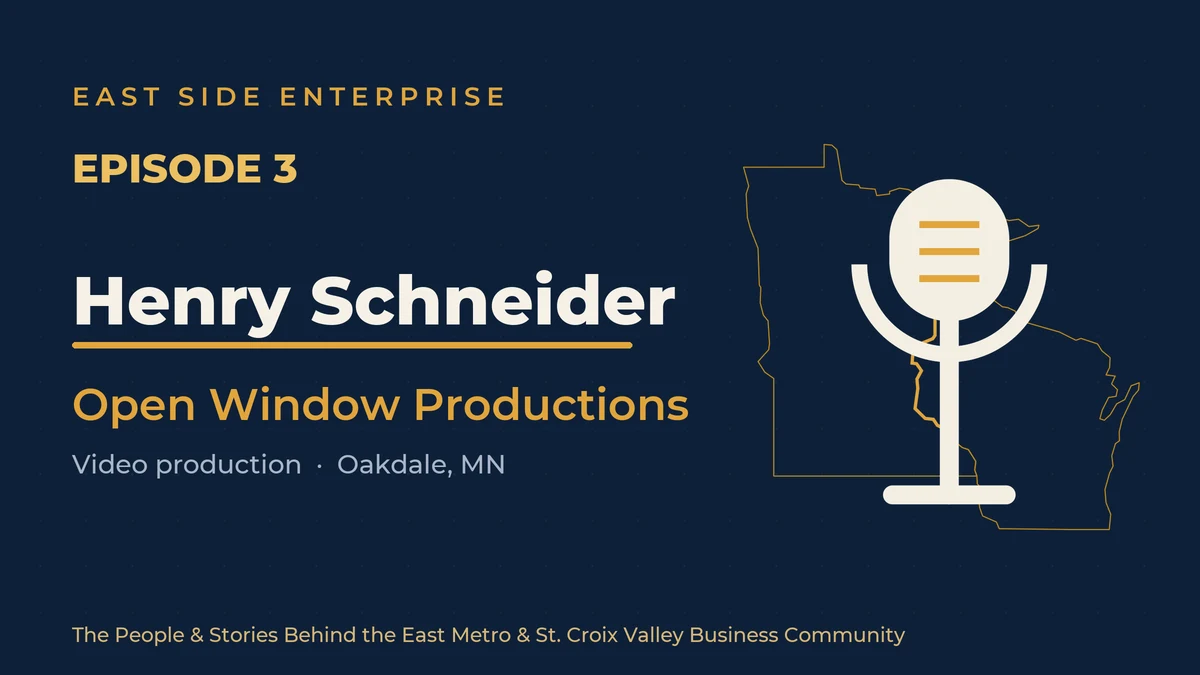
Storytelling, Skate Shops, and the Business of Video: Henry Schneider of Open Window Productions
Henry Schneider builds video for East Metro businesses at Open Window Productions and co-owns a North St. Paul skate shop. On mistakes as tuition, why story beats gear, and when authentic beats polished.
Ready to Grow Your Business?
Book a strategy call to discuss how we can implement these systems and strategies to help your business scale.
Book a Strategy Call