
How to Pass Google Business Profile Video Verification: A Practical Walkthrough

Sam McKinney
Founder & Lead Strategist • June 10, 2026
Overview
Google increasingly requires a video to verify a business, and rejections are common. Here is exactly what to record, the rules that get videos rejected, and a pre-recording checklist so you pass on the first try.
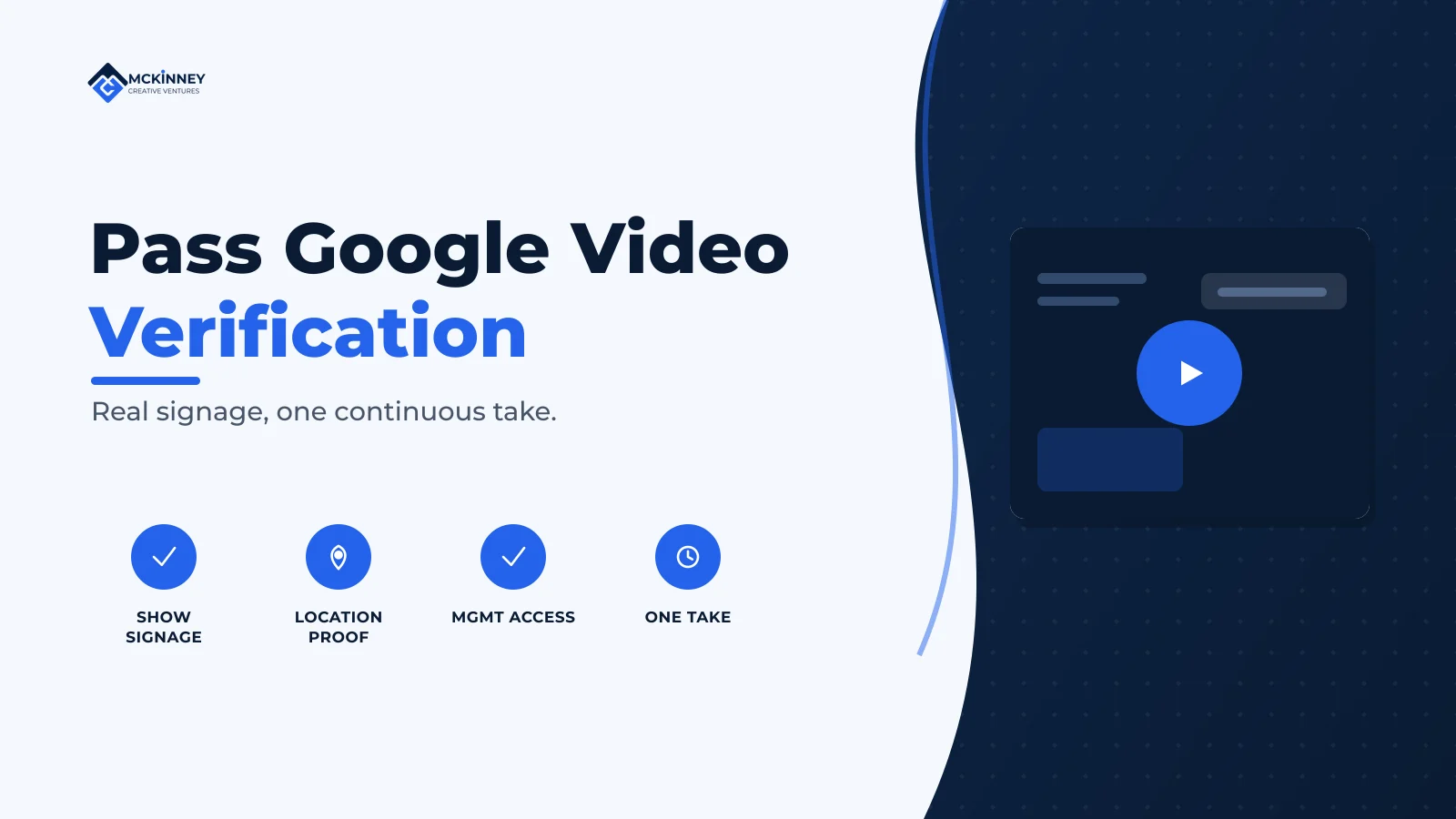
Google Business Profile video verification asks you to prove three things in one unbroken recording: that your location is real and where you say it is, that the business is genuinely yours, and that you have authority over it. Pass by filming a single continuous, unedited video that shows your permanent signage and surrounding area, then your access to management-only areas, equipment, or branded vehicles. Most rejections come from missing permanent signage, a name that does not match the profile, or too little of the surrounding location.
Video verification has become the default for many local businesses, and it trips people up because the requirements are specific and the feedback when you fail is vague. The good news is that it is very passable when you know what Google is actually looking for. This walkthrough covers what to show, the recording rules, the most common reasons videos get rejected, and a checklist to run before you hit record.
What the video needs to prove
Google's instructions for video verification are organized around proving your business is real, that it is at the stated location, and that you manage it (Google Business Profile Help). What you show depends on your business type.
For storefront and hybrid businesses
- Location context: street signs, building numbers, and nearby businesses or landmarks that establish where you are.
- Permanent signage displaying your business name, matching your profile exactly.
- Proof of management: access to employee-only areas such as a cash register, kitchen, stockroom, or point-of-sale system.
For service-area businesses
- Operating location: street signs and landmarks at your address.
- Proof the business exists: the professional tools, equipment, or products you use for work.
- Proof of management: performing a service, accessing a branded vehicle, or showing business permits and invoices.
The recording rules that actually matter
Several rejections have nothing to do with your business and everything to do with how the video was shot. Google requires:
- One continuous, unedited recording with no breaks. Do not stitch clips together or cut between scenes. Plan your path and film it in a single take.
- A minimum length of 30 seconds. Longer is allowed, but a focused one to two minutes that shows everything required is better than a long, unfocused tour.
- A live recording uploaded directly through Business Profile. You generally cannot upload an old file from your gallery, so record within the verification flow.
- Steady orientation. Keep the phone in one orientation, ideally landscape, and avoid flipping it mid-recording, which can cause a rejection.
A natural sequence that satisfies the requirements: start outside showing the street sign and building number, pan to your permanent signage, walk to the entrance and open the door to show you have access, move inside to show the space, and finish at a management-only area or with your equipment and branded materials. One smooth, narrated walk does it.
The most common reasons videos get rejected
- No permanent signage. A sheet of paper taped to a door does not count. Google looks for a mounted sign, window lettering, or a decal with your business name. If you lack permanent signage, address that before recording.
- Name mismatch. The name on your sign, your documents, and your profile must match. Small differences cause failures.
- Not enough surrounding area. Filming only the inside, with no street signs or neighboring landmarks, fails to prove location. Establish where you are first.
- No proof of management. If you never show access to a restricted area, equipment, or a branded vehicle, Google cannot confirm you run the business.
- Edited or broken footage. Any cut, stitch, or orientation flip can invalidate the recording.
One more caution from Google: do not capture sensitive information such as bank, tax, or ID numbers, and avoid other people's faces in the recording.
Your pre-recording checklist
- Confirm your permanent signage is up and the name matches your profile exactly.
- Plan a single path: outside and street context, signage, entrance, interior, then management proof or equipment.
- Charge your phone, clean the lens, and choose a time with good natural light.
- Have your keys or access ready so you can show entry to restricted areas without fumbling.
- For a service-area business, stage your branded vehicle, tools, and any permits or invoices in advance.
- Do a silent practice walk once, then record the real take in one continuous shot.
After you submit, Google typically reviews video verifications within about five business days and emails you the result. If it passes, your profile is verified. If it does not, the feedback is usually general, so use the checklist above to find what was missing and try again.
Extended Recap & Conclusion
Video verification is a test of three things: that your location is real and findable, that the business is yours, and that you control it. You pass by recording one continuous, unedited video, at least 30 seconds long, captured live in the verification flow, that shows your surroundings and permanent signage, your entrance and interior, and proof of management such as a restricted area, equipment, or a branded vehicle. The recurring causes of failure are missing permanent signage, a name that does not match, too little of the surrounding area, and edited or broken footage.
Treat it like a planned, single-take walk rather than a casual clip. Get your signage and access ready, plan the path, film it once cleanly, and keep sensitive information and other people out of frame. Do that and most businesses pass on the first attempt.
Frequently Asked Questions
How long does Google Business Profile video verification need to be?
At least 30 seconds, and it must be a single continuous, unedited recording. Longer is allowed, but a focused one to two minutes that clearly shows your location, signage, and proof of management is more effective than a long, unfocused video.
Can I upload a video I already recorded?
Generally no. Google expects a live recording captured directly through the Business Profile verification flow rather than an existing file from your gallery, so plan to record within the process itself.
What if my business does not have a permanent sign?
Permanent signage that matches your profile name is one of the most important elements, and a paper sign taped up does not qualify. If you lack a mounted sign, window lettering, or a decal, it is worth installing one before recording. Service-area businesses can lean on branded vehicles, equipment, permits, and invoices as supporting proof.
Why does my video verification keep getting rejected?
The most common reasons are missing or non-permanent signage, a name that does not match between your sign, documents, and profile, not showing enough of the surrounding area to establish location, no proof that you manage the business, and edited or interrupted footage. Re-record as one clean continuous take addressing each of these.
How long until I hear back after submitting the video?
Google typically reviews video verifications within about five business days and emails you the result. If it passes, your profile is verified within that window. If not, review what was missing and submit a stronger recording.
If you would rather not gamble on a rejection, we help local businesses prepare and pass video verification, and handle the profile setup around it. Book a free 30-minute strategy call and we will make sure your verification goes through the first time.
Written by
Sam McKinney
Founder & Lead Strategist, McKinney Creative Ventures
Sam McKinney helps local service businesses across the Twin Cities East Metro and St. Croix Valley grow through connected marketing systems. Websites, SEO, CRM, and AI automation built to work together instead of in isolation.
More about MCVRelated Articles
Cottage Grove MN Marketing: How Local Service Businesses Get Found
Cottage Grove is growing, but growth does not automatically send the right customers to your door. Build a local marketing system that connects search visibility, useful city content, reviews, and fast follow-up.

Hudson, WI Service Businesses: Marketing Across the Border
A Hudson service business that works both sides of the St. Croix is running one brand across two states, two licensing regimes, and two separate local search markets. Here is how to set that up so neither side gets treated as an afterthought.
Ready to Grow Your Business?
Book a strategy call to discuss how we can implement these systems and strategies to help your business scale.
Book a Strategy Call