
How to Avoid a Google Business Profile Suspension: The Pitfalls That Get Local Businesses Flagged

Sam McKinney
Founder & Lead Strategist • June 10, 2026
Overview
A suspended Google Business Profile can vanish from Maps overnight and take weeks to recover. Here are the most common reasons local service businesses get flagged, and how to avoid every one of them.
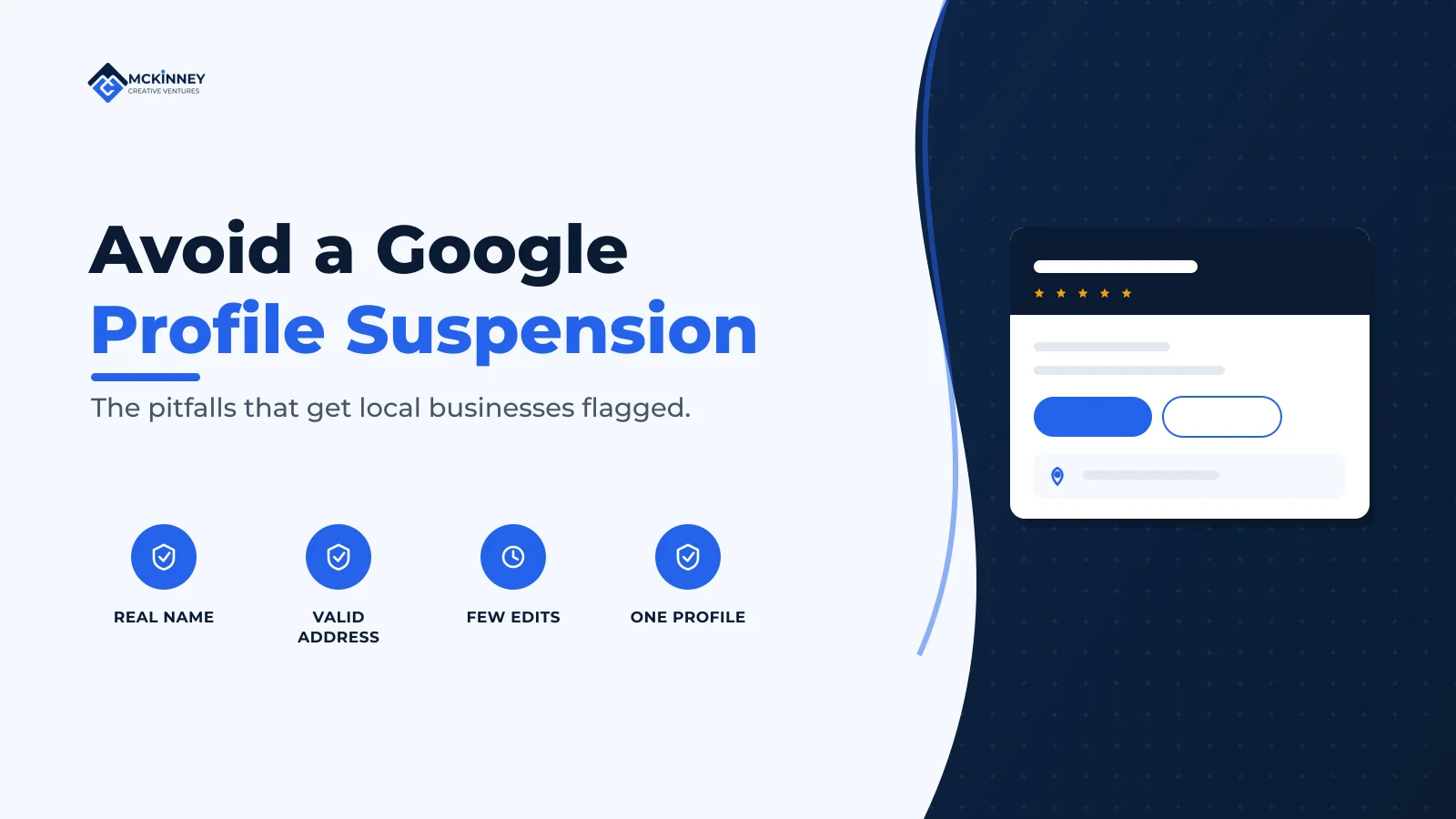
Most Google Business Profile suspensions trace back to a handful of avoidable mistakes: a keyword-stuffed business name, an ineligible address, an inaccurate business type, sudden bulk edits, duplicate listings, or review and content violations. Google can suspend a profile with no warning and no detailed explanation, and reinstatement can take weeks. The reliable protection is to represent your business exactly as it exists in the real world and to change as little as possible once you are verified.
For a local service business, your Google Business Profile is often the single largest source of calls and direction requests. A suspension does not just pause that, it removes you from Maps and the local results entirely while you scramble to fix it. We see clients trigger this accidentally all the time, usually by doing something they thought was harmless optimization. This guide covers the pitfalls that matter most for service businesses in our market and how to stay clear of each.
How Google decides what is eligible
Google's Business Profile policies are built on one idea: a profile must accurately represent a real business that makes in-person contact with customers during its stated hours. Google's guidelines require merchants to "accurately represent their business identity" and state that edits which "significantly change the nature of a business" are often treated as fraudulent (Google Business Profile policies overview). Nearly every suspension is Google deciding that a profile no longer credibly meets that standard.
The most common suspension triggers
1. Keyword stuffing in the business name
This is the number one self-inflicted suspension. Your profile name must be your real-world business name, the one on your signage and legal documents. Adding keywords or a city, turning "Northside Plumbing" into "Northside Plumbing | Emergency Plumber Woodbury MN," violates the naming rule and is a frequent flag. Use your exact real name and nothing more.
2. An ineligible or misused address
Address problems are the most common reason for suspension overall. Google requires a location where you make in-person contact with customers, which disqualifies several setups service businesses commonly try:
- P.O. boxes are not permitted as a business address, full stop.
- Virtual offices, mailbox stores, and coworking spaces are generally ineligible unless you are genuinely staffed there during your posted hours. A UPS Store suite number is a classic trigger.
- Sharing an address with unrelated businesses, or listing multiple businesses at one residential address, draws scrutiny.
3. Mishandling a service-area business
If you travel to customers and do not serve them at your address, such as a plumber, electrician, or cleaner working out of a home, you are a service-area business. The rule that catches people: you must hide your address and set service areas instead. Displaying a home address for a business that does not serve customers there is a common and avoidable flag.
4. Choosing an ineligible business type
Google's policies exclude certain models from having a profile at all, including "lead generation agents or companies" and "brands, organizations, artists, and other online-only businesses." Ongoing services at a location you do not own or represent are also ineligible. A purely online business with no in-person customer contact does not qualify.
5. Sudden, large, or frequent edits
A verified, stable profile that suddenly changes its name, address, or primary category can trip Google's systems, which read abrupt changes as a sign the listing may no longer be legitimate. Edits that "significantly change business location" are explicitly flagged. Make changes sparingly, one meaningful change at a time, not a batch of edits in a single sitting.
6. Duplicate listings
Two profiles for the same business at the same address create conflicts that can suspend both. This often happens accidentally when a business is listed by an old owner, a vendor, or an automated data aggregator. Search for duplicates and resolve them rather than leaving competing listings live.
7. Review and content policy violations
A pattern of review violations, such as incentivized reviews, review gating, or insider reviews, can escalate from removed reviews to a profile suspension, because Google restricts access for merchants who "display a pattern of violating" its policies. Photos and descriptions that break the content rules count too. We cover the review side in detail in our guide to Google's review policies.
How to keep your profile safe
The defensive playbook is simple and worth sharing with anyone who has edit access to your profile:
- Use your exact real-world name, with no added keywords or location.
- Use an eligible address, a real staffed storefront, or hide the address and set service areas if you travel to customers.
- Keep your name, address, and phone number identical across your website, profile, and major directories. Inconsistent information undermines the verification Google relies on.
- Pick the most accurate primary category and add only genuinely relevant secondary categories.
- Make edits rarely and one at a time, and document what you changed and when.
- Limit who has access, so a well-meaning team member or vendor cannot make a risky change.
- Follow the review and content rules, since a pattern of violations is itself a suspension risk.
Extended Recap & Conclusion
A Google Business Profile suspension is usually preventable. The triggers that matter most for local service businesses are keyword stuffing in the business name, an ineligible address such as a P.O. box or virtual office, failing to hide the address on a service-area business, choosing an ineligible business type, making sudden or sweeping edits, leaving duplicate listings live, and a pattern of review or content violations. Each one comes down to the same root cause: the profile stops looking like an accurate representation of a real, locally operating business.
Protect yourself by representing the business exactly as it exists, keeping your information consistent everywhere, changing as little as possible after verification, and controlling who can edit. Do that and you keep the visibility your profile earns, instead of losing it to a preventable flag. If you do get suspended, our step-by-step reinstatement guide walks through the recovery process.
Frequently Asked Questions
Why was my Google Business Profile suspended without warning?
Google often suspends profiles with no advance notice and only a general reason, because suspension is an automated quality-control action. The most common causes are an ineligible or recently changed address, a keyword-stuffed name, sudden edits, duplicate listings, or a pattern of review and content violations. Identify which applies before you appeal.
Can I put keywords in my Google Business Profile name to rank better?
No. Your profile name must match your real-world business name exactly, with no added keywords or city. Keyword stuffing the name is one of the most common reasons for suspension and is not worth the risk to the visibility you already have.
I run my business from home and travel to customers. What address should I use?
You are a service-area business, so you should hide your address and define service areas instead of displaying your home address. Showing an address where you do not serve customers in person is a frequent and avoidable suspension trigger.
Will editing my Google Business Profile get it suspended?
Routine, accurate updates are fine, but sudden, large, or frequent changes to your name, address, or primary category can trigger a review because Google treats abrupt changes as a possible sign the listing is no longer legitimate. Make meaningful edits sparingly and one at a time.
Can a P.O. box or UPS Store address be used for my profile?
No. P.O. boxes are explicitly not permitted, and mailbox stores, virtual offices, and coworking spaces are generally ineligible unless you are genuinely staffed there during your posted hours. Use a real location where you meet customers, or run as a service-area business.
If you want a second set of eyes on your Google Business Profile before something goes wrong, we audit profiles for the exact risks above. Book a free 30-minute strategy call and we will flag anything that could get you suspended and fix it.
Written by
Sam McKinney
Founder & Lead Strategist, McKinney Creative Ventures
Sam McKinney helps local service businesses across the Twin Cities East Metro and St. Croix Valley grow through connected marketing systems. Websites, SEO, CRM, and AI automation built to work together instead of in isolation.
More about MCVRelated Articles

Hudson, WI Service Businesses: Marketing Across the Border
A Hudson service business that works both sides of the St. Croix is running one brand across two states, two licensing regimes, and two separate local search markets. Here is how to set that up so neither side gets treated as an afterthought.
How to Get Cited by ChatGPT and Perplexity as a Local Business
AI assistants cite sources they can reach, trust, and quote quickly. Here is how retrieval actually works inside ChatGPT and Perplexity, and the sequence a local service business should work through to become one of those sources.
Ready to Grow Your Business?
Book a strategy call to discuss how we can implement these systems and strategies to help your business scale.
Book a Strategy Call