
How to Recover a Suspended Google Business Profile: A Step-by-Step Reinstatement Guide

Sam McKinney
Founder & Lead Strategist • June 10, 2026
Overview
A suspended profile is recoverable if you handle it correctly. Here is the exact reinstatement process: what to do first, what evidence to prepare, how to appeal, and what to do if the first appeal is denied.
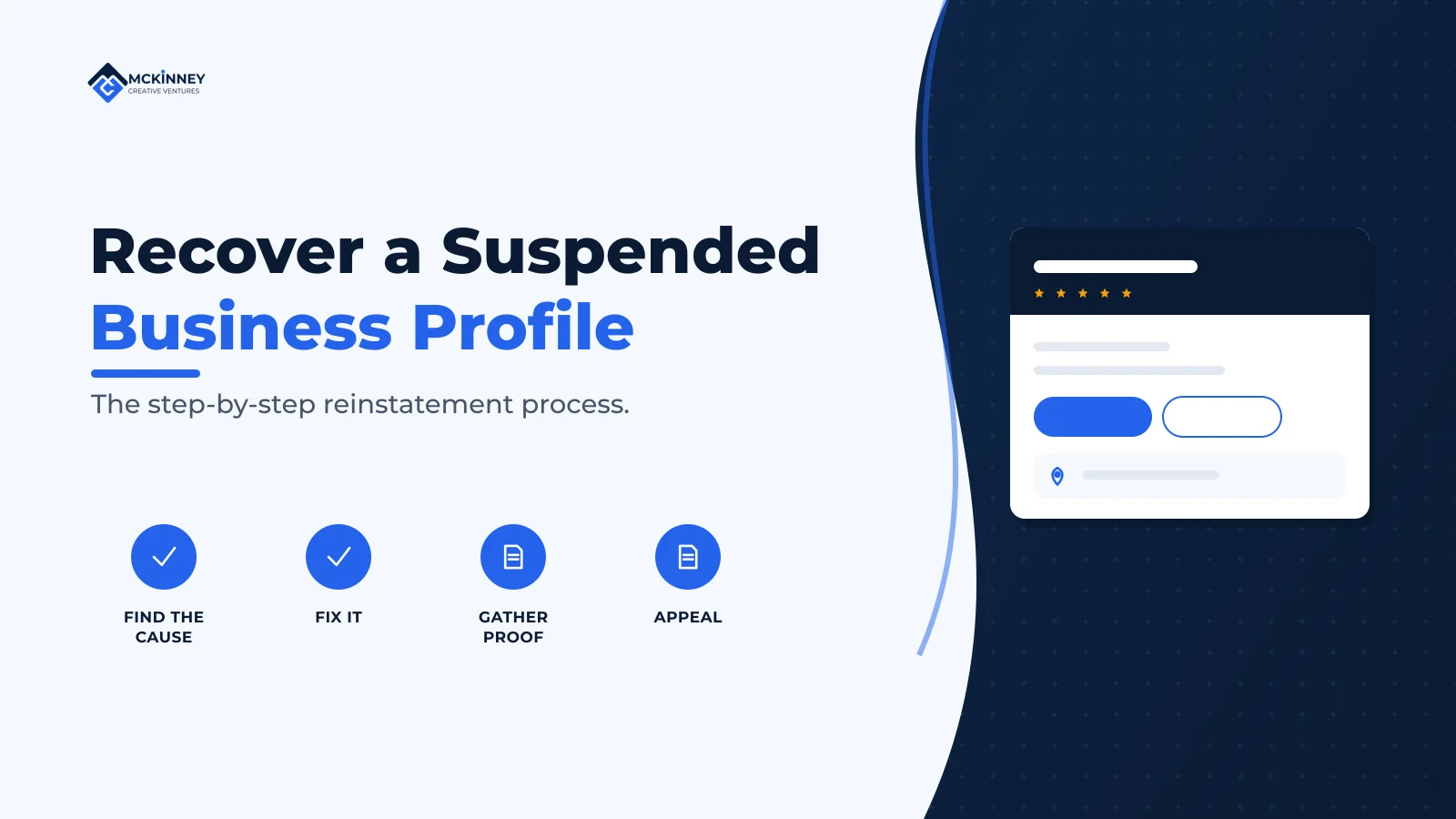
To recover a suspended Google Business Profile, do four things in order: do not create a new profile, identify and fix the violation that caused the suspension, gather evidence that proves your business is real and located where you say, and submit an appeal through Google's official appeals tool. Fix first, appeal second. Appealing without correcting the underlying problem is the most common reason reinstatements fail, and a denied appeal makes the next one harder.
A suspension feels like an emergency, and the instinct is to do something fast. That instinct causes most of the avoidable mistakes. The single worst move, creating a duplicate profile to get back on Maps, can permanently damage your chances. This guide walks through the calm, correct sequence that gives you the best odds of getting reinstated.
Step 1: Do not create a new profile
Google is explicit: "Do not create a new Business Profile for the same business while your appeal is under review" (Google Business Profile Help). A second listing creates a duplicate conflict, can get both profiles suspended, and signals exactly the kind of manipulation Google is screening for. Your existing profile and its review history are worth far more than the few days you think you are saving. Leave it in place and work the appeal.
Step 2: Identify the real cause
You cannot fix what you have not diagnosed, and Google rarely spells out the specific reason. Audit your profile against the common triggers honestly:
- Is the business name your exact real-world name, with no added keywords or city?
- Is the address eligible, a real staffed location, not a P.O. box, virtual office, or mailbox store?
- If you travel to customers, is the address hidden with service areas set instead?
- Did a recent edit to your name, address, or category coincide with the suspension?
- Are there duplicate listings for your business?
- Have you had review or content violations such as incentivized or insider reviews?
Our guide to avoiding suspensions details each of these. Whatever you find, you must correct it before you appeal, because the appeal is judged against your profile as it stands now.
Step 3: Gather your evidence
An appeal is far stronger with documentation that proves the business is legitimate and located where the profile says. Google accepts evidence such as official business registration, a business license, tax certificates, and utility bills (electricity, phone, water, or internet). The single most important detail: "Check that the business name and address match the profile you want to make an appeal for." A mismatch between your documents and your profile, even a small one, undermines the whole appeal.
Prepare these before you start the appeal, because once you open the evidence form you have a 60-minute window to submit your documents or they will not be included. Have clear, legible files ready to upload.
Step 4: Submit the appeal
Use Google's official appeals tool, not the general support chat, to formally request reinstatement. The process Google outlines is:
- Open the Google Business Profile appeals tool and confirm you are signed in to the correct account.
- Select the suspended profile and choose to continue.
- Review the stated moderation reason and the policy Google says was violated.
- Submit the appeal, attaching your evidence within the 60-minute window.
- Confirm the final submission.
After submitting, you can track the status in the appeals tool, which will show states such as Submitted, Approved, Not Approved, Can't be appealed, or Eligible for appeal, and Google will email you the decision. Timelines vary and have lengthened as Google has increased enforcement, so it can take from several days to a few weeks. Resist the urge to resubmit repeatedly while it is pending, which does not speed things up.
What to do if your appeal is denied
A denial is not always the end. If you are confident your profile is compliant, you can appeal again with a stronger case: clearer documentation, additional proof of your physical location such as photos of permanent signage, and a concise explanation of why the business meets Google's eligibility rules. If you genuinely cannot resolve it through the tool, escalate through Google Business Profile support and the official Google Business Profile community, where product experts sometimes help with stuck cases. Persistence with better evidence beats repetition of the same weak appeal.
If reinstatement requires re-verification, you may be asked to verify by video. Our video verification guide covers how to pass it without a second rejection.
Extended Recap & Conclusion
Recovering a suspended Google Business Profile is a process, not a button. Work it in order: do not create a new profile, diagnose and fix the actual violation, assemble evidence whose name and address match your profile exactly, then submit a single, well-documented appeal through Google's official tool and track it patiently. Have your documents ready before you start because of the 60-minute upload window, and if you are denied, come back stronger with better proof rather than repeating the same request.
The throughline is the same one that prevents suspensions in the first place: prove that you are a real business operating where you say you are. Fix the profile so it is true, document that it is true, and present that clearly to Google. That is what gets profiles reinstated.
Frequently Asked Questions
How long does Google Business Profile reinstatement take?
It varies, typically from several days to a few weeks, and timelines have lengthened as Google has increased enforcement. You can monitor progress in the appeals tool and Google will email the decision. Submitting repeated appeals while one is pending does not speed it up.
Should I create a new profile while I wait for reinstatement?
No. Google explicitly says not to create a new profile for the same business while your appeal is under review. Doing so creates a duplicate, can get both listings suspended, and can permanently harm your chances. Keep your original profile and work the appeal.
What evidence should I submit with my appeal?
Documents that prove the business is real and located where the profile says, such as business registration, a business license, tax certificates, or utility bills. The business name and address on the documents must match your profile exactly, and you have a 60-minute window to upload them once the form is open.
Do I have to fix the violation before appealing?
Yes. The appeal is judged against your profile as it currently stands, so you must correct the underlying issue first. Appealing without fixing the cause is the most common reason reinstatements are denied.
What can I do if my appeal is denied?
If your profile is genuinely compliant, appeal again with stronger evidence, including documentation and photos of permanent signage, and a clear explanation of your eligibility. You can also escalate through Google Business Profile support and the official Google Business Profile community for help with stuck cases.
Suspensions are stressful and the appeal process is unforgiving of small mistakes. If your profile is down, we can diagnose the cause, prepare the evidence, and handle the appeal for you. Book a free 30-minute strategy call and we will map the fastest compliant path back to live.
Written by
Sam McKinney
Founder & Lead Strategist, McKinney Creative Ventures
Sam McKinney helps local service businesses across the Twin Cities East Metro and St. Croix Valley grow through connected marketing systems. Websites, SEO, CRM, and AI automation built to work together instead of in isolation.
More about MCVRelated Articles

Hudson, WI Service Businesses: Marketing Across the Border
A Hudson service business that works both sides of the St. Croix is running one brand across two states, two licensing regimes, and two separate local search markets. Here is how to set that up so neither side gets treated as an afterthought.
How to Get Cited by ChatGPT and Perplexity as a Local Business
AI assistants cite sources they can reach, trust, and quote quickly. Here is how retrieval actually works inside ChatGPT and Perplexity, and the sequence a local service business should work through to become one of those sources.
Ready to Grow Your Business?
Book a strategy call to discuss how we can implement these systems and strategies to help your business scale.
Book a Strategy Call