
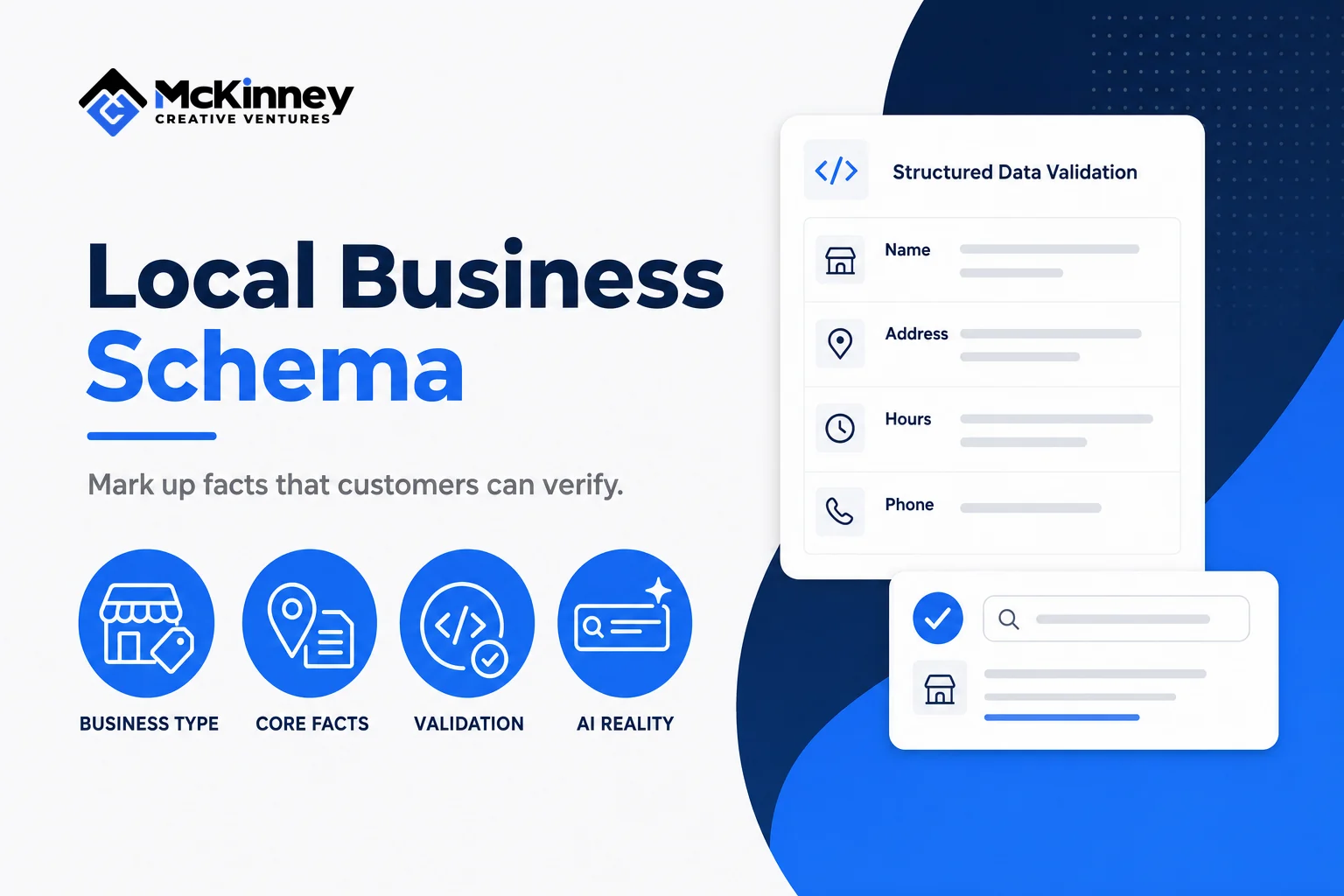
Local business schema is structured data that labels facts about a company in a machine-readable format. For a service business, the useful job is simple: identify the real business entity, its physical location when one is publicly listed, its contact details, its hours, and the page that describes it. The markup should repeat facts customers can verify on the website, not add a second, hidden version of the business.
This guide is for owners and site managers in the Twin Cities East Metro, St. Croix Valley, and western Wisconsin. It explains which type to choose, which fields deserve attention, how to handle service areas, and how to test the deployed page. It also draws a firm line around what schema cannot do. It is not a shortcut to a higher local ranking, a map placement, or an AI recommendation.
Scroll to see all columns
| Business situation | Practical markup choice | What the page must show | Common mistake |
|---|---|---|---|
| One public, staffed location | The most specific LocalBusiness subtype that fits | Name, physical address, phone, hours, and location page | Using a broad type when a supported specific type is accurate |
| Service-area business with no public address | Organization facts that match the visible site, reviewed with the site's developer | Name, phone, URL, logo, and truthful service-area text | Publishing a private address only to satisfy a markup field |
| Several real locations | A separate LocalBusiness entity for each location | A distinct page and facts for each staffed location | Turning every service-area city into a fake office |
| Article or service page | Page-specific Article, Service, or Breadcrumb data when appropriate, connected to the same organization identity | The article, service, or breadcrumb a visitor can actually see | Repeating conflicting business entities on every template |
| Seasonal or emergency hours | Accurate opening-hours data updated with the visible hours | The same current hours in the page content | Leaving old hours in the code after the page changes |
What local business schema does, and what it does not do
Schema.org supplies a shared vocabulary for describing entities and relationships. Google can read that vocabulary in JSON-LD, Microdata, or RDFa. Its structured data introduction recommends JSON-LD in most cases because it is easier to implement and maintain at scale. JSON-LD usually appears in a script element in the page head or body, separate from the visible copy.
Think of it as labels, not new content
A visitor sees a company name, address, phone number, hours, logo, and service description. Structured data labels those same facts so a system does not have to infer which text is the organization name or which address belongs to the location. Good markup reduces ambiguity. It does not make a vague page useful, repair an incorrect Business Profile, or replace the information a customer needs to make a decision.
This is why the source page comes first. If a Woodbury contractor's footer, contact page, and Business Profile disagree on the phone number, adding a fourth number in JSON-LD makes the problem worse. Correct the visible source of truth, then generate the markup from it. Our SEO, GEO, and AEO work treats structured data as one part of entity accuracy, alongside useful pages, current local information, indexing, and measurement.
Do not sell schema as an AI switch
Google's current AI features guidance says there is no special schema.org structured data required for AI Overviews or AI Mode. It recommends the same fundamentals used across Search, including helpful text, crawlable pages, internal links, current Business Profile information, and structured data that matches the visible page. Accurate schema may help a system understand an entity, but Google does not say it guarantees an AI citation.
Choose the right business type before adding fields
The first decision is the entity type. Google's LocalBusiness documentation says to use the most specific subtype possible and to define each location as its own LocalBusiness. A plumbing company should use a supported plumbing subtype when it accurately fits. A company that performs several distinct trades may use an array of accurate types, following Google's example, but adding unrelated categories is not a visibility tactic.
A location is not the same as an area served
A service business may work across Woodbury, Stillwater, Hudson, and nearby communities without having an office in each place. Marking every city as a LocalBusiness location invents physical presence. Use one entity for each real, staffed location, then describe the actual service area in visible copy. Schema.org's LocalBusiness reference includes inherited properties such as areaServed, but that field does not turn a service area into a storefront or prove eligibility for a local result.
Google lists name and a physical address as required for LocalBusiness rich-result eligibility. If a service-area business does not publish its address, do not expose a private address in markup merely to fill the field. A practical fallback is to mark up the visible organization facts and accept that the page may not satisfy Google's LocalBusiness rich-result requirements. That is more honest than creating a hidden fact customers cannot verify.
Give every real entity a stable identity
Use a stable @id, usually an absolute URL with a fragment such as the site's home address followed by #organization or #location. The identifier is not a page visitors need to open. It lets page-level data point back to the same business instead of creating a new unnamed company on every route. An Article can identify its publisher, a Service can identify its provider, and a location page can identify the location, all by referring to stable nodes.
Build the markup from a source-of-truth record
Start with a short business record before anyone writes code. Record the legal or public-facing name, canonical website address, primary phone, public physical address, logo URL, regular hours, public profile URLs, and each real location. Assign one owner for changes. The website footer, contact page, location pages, Business Profile, and structured data should all draw from or be checked against that record.
Prioritize complete, accurate core properties
Google's structured data introduction says fewer complete and accurate recommended properties are better than many incomplete or inaccurate ones. For most local service companies, the useful core includes @type, @id, name, url, telephone, address when it is public, logo or image, and openingHoursSpecification. Coordinates should describe the real location, not the center of a target city. Public profile links can use sameAs when they actually identify the same organization.
Some properties demand restraint. Google's LocalBusiness documentation says aggregateRating is recommended only for sites that capture reviews about other local businesses. A company's own marketing site should not copy its Google rating into self-serving LocalBusiness review markup and expect a star result. Likewise, priceRange should describe real, visible pricing information. If the company does not publish a useful range, omit it.
Connect page-specific markup to the business
LocalBusiness is not the only type a site may need. A resource can use Article data. Navigation can use BreadcrumbList data. A service page may describe a Service. Each type should represent the main visible content of that page and connect to the same organization or provider identity where the vocabulary supports it. Our website design work builds these data relationships into the content model so a phone or location change can update every relevant page without hand-editing dozens of scripts.
Match schema to the visible page and current operations
Google's general structured data rules require markup to represent the main content and warn against marking up information that is hidden, irrelevant, or misleading. That is the operational standard to use even when a testing tool reports valid syntax. The test can confirm that a field is shaped correctly. It cannot confirm that the hours are current, the location exists, or the business actually provides the marked service.
Check local facts on both sides of the St. Croix
A company based in the East Metro may serve Minnesota and western Wisconsin. The site can describe that real territory, and its areaServed data can mirror the visible description. Keep the distinctions clear. A service-area page for Hudson is evidence that the company serves Hudson, not that it has a Wisconsin office. A Twin Cities service-area page is not a second business entity. The same principle applies to Stillwater, Oakdale, and Cottage Grove.
Hours also need ownership. If the website changes for a holiday, seasonal closure, or emergency schedule, update the structured data at the same time. Do not mark a business open around the clock because it takes voicemail after hours. Use the hours a customer can rely on and make the visible page say the same thing.
Keep claims and profiles aligned
Name, phone, location, hours, and service facts should agree across the site and the public profiles the business controls. That does not mean every platform supports identical fields. It means the underlying fact should not change from one channel to another. Our guide to keeping business facts clear for Google and AI systems explains the broader profile and website consistency work.
Validate the deployed page, not only the code editor
Validation has three layers. First, parse the JSON-LD and confirm every linked identifier and URL is absolute and correct. Second, run Google's Rich Results Test on the page or code to catch supported feature errors. Third, inspect the deployed page and Search Console after the release. Templates, caching, client-side scripts, and deployment settings can change what a crawler receives even when the source file looked right.
Use a repeatable release checklist
- Compare every business field with the visible contact and location content.
- Confirm the type is the most specific accurate type, not the most attractive category.
- Open each URL used for the business, logo, image, and public profile.
- Run the Rich Results Test and fix errors before release.
- View the rendered page source or DOM and confirm the intended JSON-LD is present once.
- After deployment, test the live URL and watch Search Console enhancement reports for new errors.
- Repeat the check whenever the site's shared layout or business record changes.
Google states that valid structured data does not guarantee a rich result. It also notes that a syntactically valid item may still violate a quality rule. Treat a green test as proof that the markup is parseable, not proof that the content is true, useful, or entitled to a special search appearance.
Measure carefully and maintain the result
Schema is maintenance work, not a one-time badge. Add a quarterly check to the site routine and tie it to the business record. Review location pages, phone numbers, regular and holiday hours, logo URLs, public profiles, and any page template that emits JSON-LD. If the business adds or closes a location, update the visible page, redirects, profile, and structured data as one change.
For measurement, record a Search Console baseline before the release and compare matched periods afterward. Google suggests testing structured data on a few stable pages with enough existing data, confirming that it was found, and then watching performance for several months. Results can still move for other reasons, so do not claim that schema caused a ranking or click change without a controlled comparison.
If your business information is scattered across templates, profiles, and old code, book a strategy call with McKinney Creative Ventures to plan one accurate source and a maintainable release.