
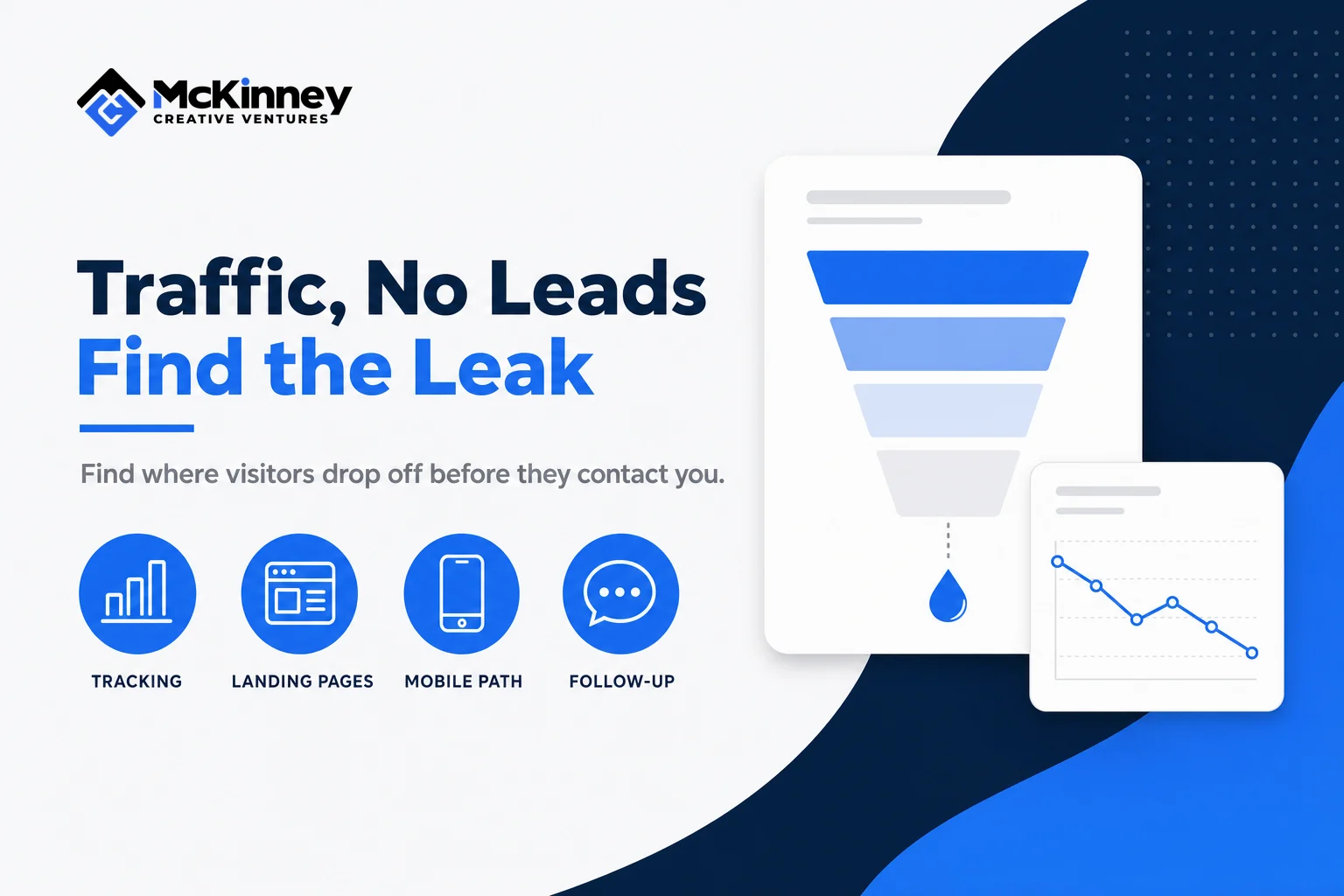
If your website gets traffic but no leads, do not start with a redesign or a larger ad budget. First confirm what the traffic is, where visitors land, whether the page matches their intent, whether the contact path works, and whether calls or forms are being recorded correctly.
This guide is for local service businesses that can see visits but cannot connect those visits to enough calls, forms, or booked work. The limit matters: website analytics can show a visit or tracked action, but they cannot prove that a caller connected, qualified, scheduled, or became a customer. You need evidence from the website, analytics, call records, and CRM to diagnose the full path.
Scroll to see all columns
| Stage | Evidence to inspect | Likely question | What it does not prove |
|---|---|---|---|
| Search result to visit | Query, page, location, and source | Did the right person click? | That the page met the need |
| Landing page | First page, device, and next page | Did the visitor find the promised service? | That the visitor saw or trusted the offer |
| Contact attempt | Phone link, form, or booking test | Could the visitor complete the action? | That a tracked click became a connected inquiry |
| Recorded lead | Analytics event, call record, form entry, or appointment | Was the action captured in each system? | That the lead was qualified |
| Business outcome | CRM status, response, estimate, and final disposition | What happened after the inquiry? | That the website alone caused the outcome |
Website traffic but no leads? Confirm the measurement first
The first diagnostic question is not, "Why are visitors refusing to contact us?" It is, "What exactly are we counting as a lead, and does the count work?" A phone-number click, a successful form submission, a completed booking, a qualified conversation, and a won job are different events. If they are blended together, a reporting problem can look like a conversion problem.
List the actions that matter on the site. For most service businesses, that includes a connected phone call, a successfully submitted inquiry, or a completed appointment request. Then test each path on desktop and mobile without creating a fake customer record or analytics conversion in production. Use a safe test environment when possible, or inspect the implementation and existing real records. Confirm that success is measured after the action succeeds, not merely when someone taps a button.
Google Analytics defines a key event as an action important to the business and recommends Realtime or DebugView for checking whether the event is recorded. Its reporting can also break key events down by page or screen. That makes measurement useful for diagnosis, but an event still represents the configured action, not a qualified lead by default. See Google's current key event reporting guidance.
Build a simple evidence chain
For one recent real inquiry, trace the sequence across systems: landing page, contact action, analytics event, call or form record, CRM contact, response, and disposition. If the chain breaks between the phone click and the call record, fix tracking or the contact path. If it breaks between the CRM entry and a response, the page may have generated a lead that the business did not handle. A marketing ROI tracking system is useful only when these definitions stay separate.
Identify which traffic reaches which page
A sitewide traffic total hides the most important distinction: informational visits and service-intent visits are not equivalent. A homeowner reading a maintenance guide may be a useful future audience, but that session should not be judged like a visit to an emergency service page. Likewise, traffic from outside your service area can raise the visit count without creating a realistic sales opportunity.
Start with the landing page, source, device, and geography. Google Analytics' Landing page report shows the first page in a session and can pair it with source or medium. Search Console adds the search query and the page that appeared in Google. Google's guide to using Search Console and Analytics together explains that Search Console describes what happened before a search visitor arrived, while Analytics describes behavior after arrival, and the two systems calculate their metrics differently. Use them together without expecting identical counts.
Group the pages by intent. Service pages, city pages, contact pages, and high-intent comparison pages belong in one decision set. Educational articles belong in another. If most visits begin on broad informational content, the answer may be a clearer route to the relevant service, not a sitewide conversion panic. Add contextual links where they help the reader take the next logical step. Our guide to local landing page best practices covers how service and city pages earn that role without becoming duplicate doorway pages.
Match the page to the promise that earned the click
A visitor should not have to translate your marketing language into the service they need. The first useful screen should answer four practical questions: What do you do? Where do you do it? Why should this visitor trust you? What can the visitor do next?
Check the message that sent each visitor. For paid search, compare the query, ad promise, final URL, page headline, and call to action. For organic search, compare the query and search snippet with the page's visible answer. Google Ads' current landing page guidance recommends matching the page to the ad and keywords, making contact easy on mobile, using simple navigation, and placing important information where visitors can find it quickly.
This is message matching, not keyword repetition. A page for water-heater replacement should explain that work, the service area, the process, and the next step. Sending every campaign to a generic homepage forces the visitor to search again. Sending visitors to a narrow page that cannot answer basic questions creates a different dead end.
Use trust that helps someone decide
Trust is specific. Show the real business name, service area, contact information, process, relevant credentials, and genuine customer evidence you are authorized to publish. Explain what happens after a person calls or submits the form. If pricing depends on the job, explain the factors instead of inventing a range.
A row of generic badges cannot replace a clear offer. Neither can a large review number that is old or unsourced. Put the strongest relevant proof near the decision it supports, and keep live figures current. The goal is not to decorate the page with trust signals. It is to answer the doubts that stop a qualified visitor from contacting you.
Test the mobile contact path for real friction
Open the page at a narrow mobile width and follow the same path a customer would use. Can you read the service and location without zooming? Is the phone number a working link? Does the primary button lead to the expected form or booking page? Are important controls hidden by a pop-up, chat bubble, cookie notice, or sticky bar? Can a keyboard user reach the controls in a sensible order?
Then inspect the form. Ask only for information needed at this stage. Use visible labels, identify required fields, preserve entered values after an error, and state what happened after submission. The W3C Web Accessibility Initiative recommends labels that describe each control and are properly associated with it. It also notes that labels above fields can reduce horizontal scrolling for mobile and low-vision users. Its form labeling tutorial provides the implementation details.
Do not assume the form works because it looks correct. Check the success state, notification, CRM record, and error path in an authorized test environment. If the site uses a third-party booking widget, test loading and resizing separately. A blank or unstable embed can block the action even when the surrounding page is persuasive.
Separate persuasion problems from contact and follow-up problems
Once measurement and mechanics are reliable, review whether the page gives a qualified visitor enough reason to act. Look for missing service detail, vague geography, unclear differentiation, proof that does not match the service, or a call to action that asks for more commitment than the page earns.
Next, follow the inquiry beyond the website. Was the call answered? Did the form notify the right person? Did the contact enter the correct pipeline? Did someone respond with the context needed to continue? These are operational questions, not page-design questions. A website can create an inquiry that disappears in a missed-call queue or an unmonitored inbox. The fix then belongs in the CRM and follow-up system, not in a new hero section.
A practical fifteen-minute diagnostic
Choose one important landing page and record six facts: the query or campaign that sends traffic, the visitor's device, the visible service and location, the primary contact choice, the result of an authorized contact-path test, and the corresponding analytics or CRM record. This is a practical worksheet, not a research study or a substitute for a full audit.
That short check often narrows the problem. If the query and page do not match, fix targeting or routing. If the page matches but the action fails, fix the contact path. If the action succeeds but no event appears, fix measurement. If the event and CRM record exist but no one responds, fix follow-up. If every step works and qualified visitors still do not act, then test the offer, proof, and page structure.
Change one major variable and keep a baseline
Do not launch a redesign, rewrite every service page, and change tracking in the same release. You will not know which change mattered. Record the page, time period, traffic mix, device split, defined key event, qualified-inquiry count, and known operational limits. Then make one meaningful correction and compare the same evidence after enough relevant traffic has accumulated.
There is no universal conversion rate that diagnoses every service website. Search intent, geography, service urgency, seasonality, price, and the definition of a lead all change the denominator and the outcome. Use outside benchmarks as context at most. Your strongest baseline is the same page, audience, tracking definition, and business process measured consistently.